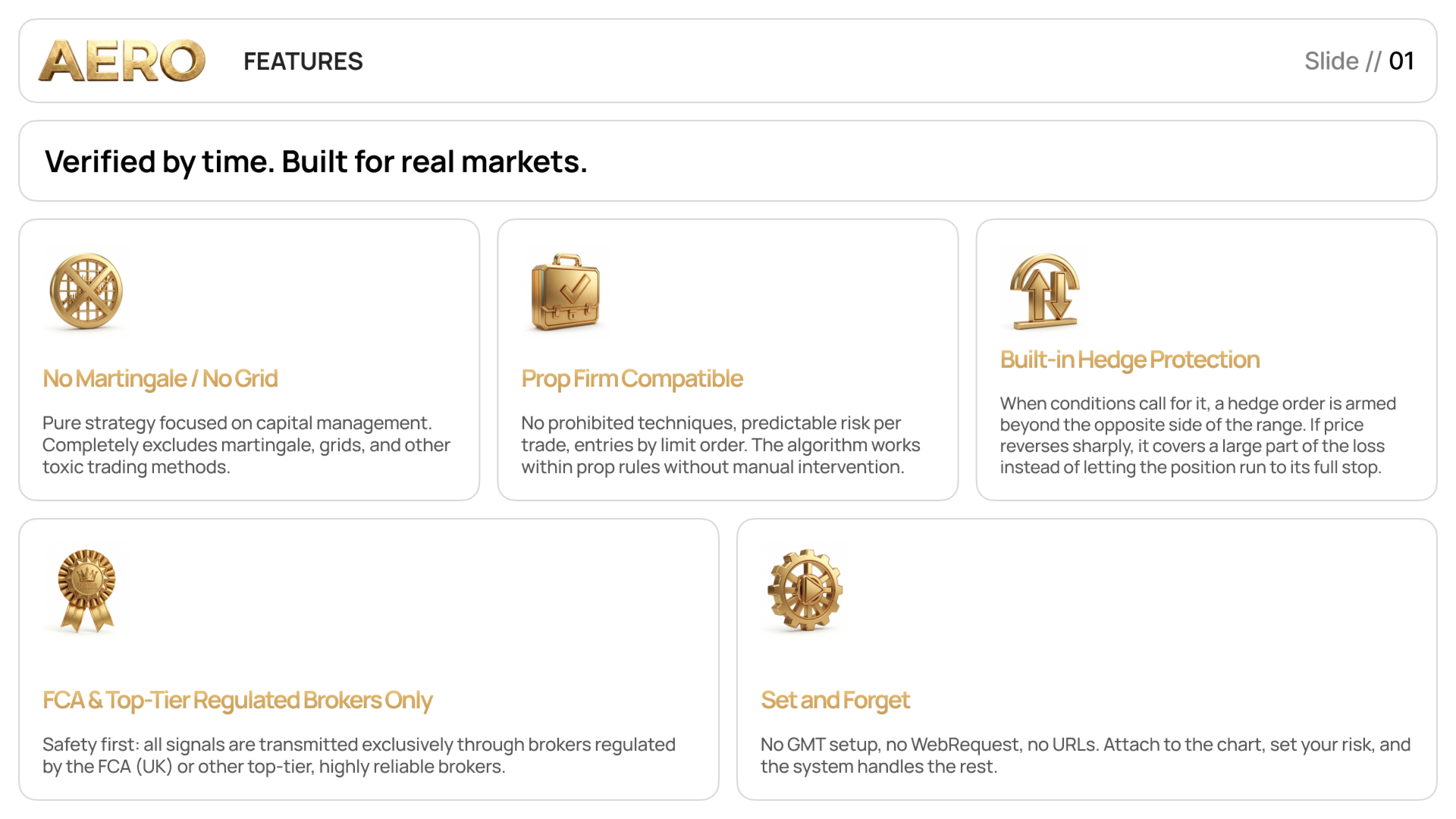
Aero MT5 filters Gold breakout setups with the publisher’s k-nearest-neighbors model. It seeks a retest entry and describes ATR-based stops with selective protective hedging.
The listing repeatedly describes one position at a time while also specifying an opposite-side hedge in selected conditions. Review the distinction between the primary position, pending protection and an activated hedge. A hedging account is required in the stated setup. Do not interpret the product’s single-position wording as proof that total exposure can never include another order or that the selected risk percentage is an absolute fill-independent loss cap.
Use comparable risk profiles when reviewing monitoring
The publisher links accounts labelled with different risk profiles and a separate Darwinex example. An account using a larger risk input cannot establish the expected drawdown of a lower-risk preset. Keep the parameter manual, model version and broker Gold specification with the comparison. Daily-bar-based session alignment avoids a manual GMT input in the described workflow, but broker daily candles can still differ; test on the same price history intended for deployment.
The parameter guide qualifies the headline risk claim
The linked setup guide describes sizing that varies with daily momentum and says strong setups can reach roughly one third above the chosen risk setting in its stated worst-case planning. This qualifies the listing’s simpler claim that loss cannot exceed the input percentage. Treat both as publisher descriptions rather than a guaranteed limit. Inspect actual lot sizes and stop distances in the installed version, and allow separately for gaps, commission and execution differences.
Before installation
Settings and setup requirements
These notes summarize the publisher material reviewed for Aero MT5 EA. Check the original manual and current release before configuring an account.
Chart
XAUUSD D1
Account
Hedging; Raw/ECN environment recommended
Controls
Percentage risk or fixed lot, with conditional hedge behaviour
Publisher price at review
2 000 USD. Confirm current purchase and rental terms on MQL5.
These figures are a dated snapshot of the first account linked in the publisher description. They describe that source account, not a controlled YO4X test. Check current history, cash flows and account warnings before drawing conclusions.
Dated publisher-linked MQL5 account snapshot · Source labels this a real account · Checked 2026-09-22. The first recorded linked source is used consistently, not selected by return.
Compare signal profiles only after matching risk inputs and hedge settings.
Third-party product research, not YO4X trading results. Past results do not establish future returns.
Publisher material
Aero MT5 EA images
Original publisher material. Embedded figures may describe a simulation or an earlier account snapshot; this is not a YO4X result.Original source ↗
Try before choosing
Aero MT5 EA: tester demo and licence options
MQL5 provides tester-only demonstrations for Market EAs and indicators. Open the original listing to check its demo option. An EA demo runs its trading logic in the Strategy Tester; an indicator demo is viewed in visual testing mode. This is different from receiving a free licence to run the full product on an online chart.
For Aero MT5 EA, use the setup notes above to identify what the tester can demonstrate and what still requires a supported account, data source or publisher guidance. Read MQL5’s product-testing rules ↗
Explore YO4X
Free local access. Clear product terms.
YO4X offers free local access to its supported strategy catalogue through the Windows app on supported MT5 demo accounts. This research page does not confirm that Aero MT5 EA is included or compatible.
A free full-product licence is not confirmed here for Aero MT5 EA. Check the publisher’s current purchase, rental or tester options on MQL5. YO4X does not distribute the publisher’s EX5 file from this page.
Ask support about current app availability before choosing a strategy. Arbitrary EX5 uploads are not supported; cloud execution and brokerage costs are separate.
The publisher describes one primary position but also allows a selective opposite-side protective hedge. Review the manual and demo order history to understand when that additional exposure can occur.
Where should I obtain Aero MT5 and its current settings?
Use the official MQL5 listing and Volodymyr Babak's linked guidance. Confirm the current version, installation instructions and licence before use. This research page does not supply an EX5 file or establish that the product is available inside YO4X.
Sources and editorial notes
Source review: 22 September 2026. This guide draws on the official product listing, 1 linked publisher guidance reference and 3 publisher-linked account references. A link does not mean we have reviewed the file contents. Where reviewed, the guide summarizes them with attribution.
YO4X Research is the site’s editorial attribution, not a certification or a named independent tester. We have not installed or forward-tested this product for this guide. Publisher claims, screenshots and source-account statistics do not establish that the current version reproduces those results. Artwork belongs to its original publisher.