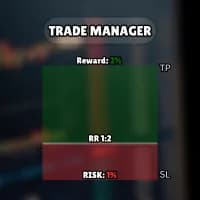
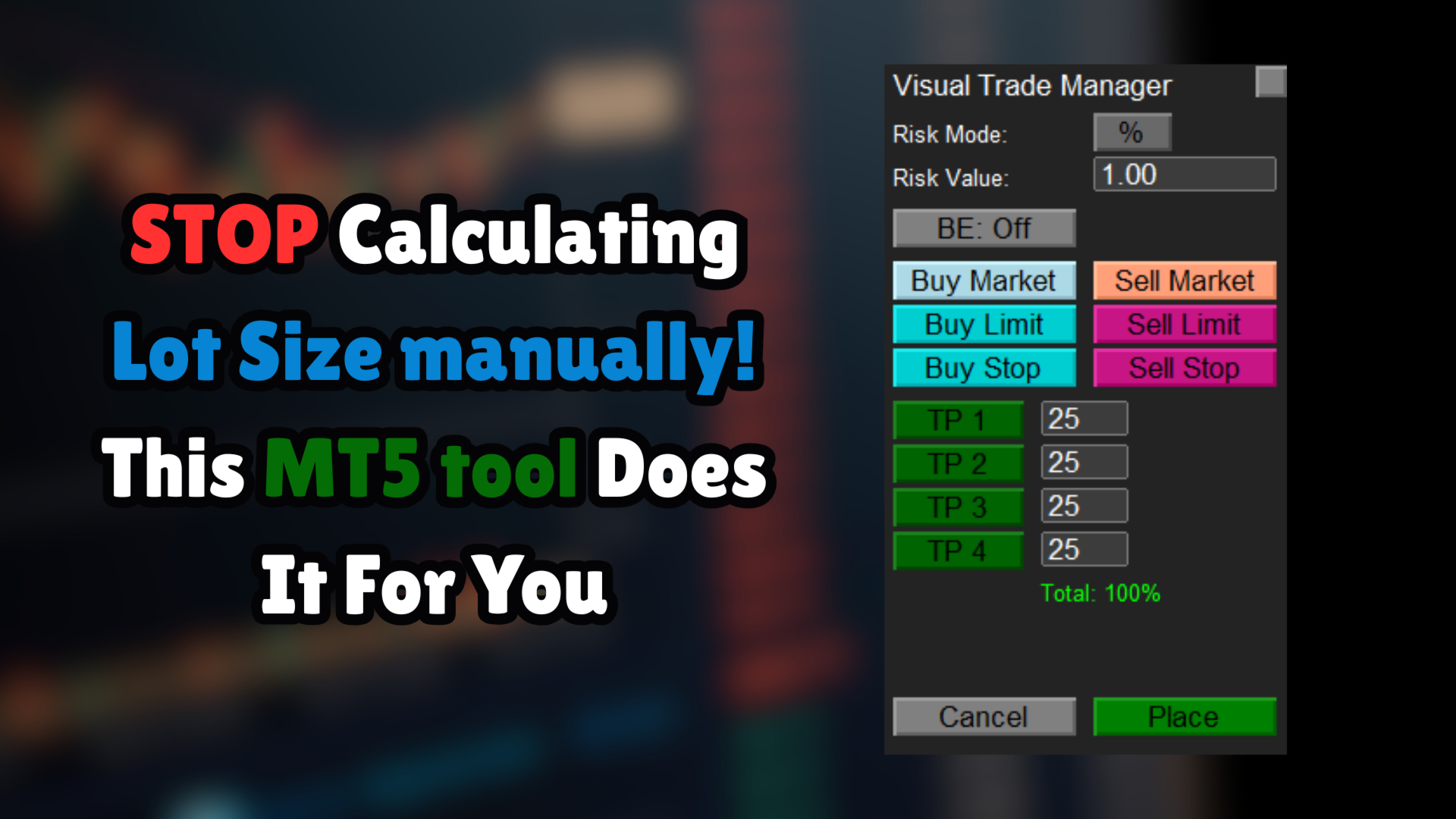
Simple Trading Manager is a manual-order utility with draggable entry and exit levels. It calculates volume from a cash or balance-based risk input and supports partial targets.
The tool lets the user position entry, stop and target lines before sending market or pending orders. The calculated volume depends on stop distance, account balance and broker contract specifications. Moving a line can therefore change size and estimated cash risk. Check the final order parameters immediately before submission, especially if market movement causes the utility to adjust a pending-entry line near the current price.
Partial target allocation needs a complete-volume check
The publisher describes up to four take-profit levels and automatic percentage rebalancing when a level is enabled or disabled. Observe the resulting allocation rather than assuming the original percentages remain unchanged. Partial closing must also fit the broker’s minimum lot and step. Saved chart settings are convenient, but a restored configuration should still be reviewed after changing symbol or account. Automatic break-even is trade management, not a source of entry signals.
Before installation
Settings and setup requirements
These notes summarize the publisher material reviewed for Simple Trading Manager. Check the original manual and current release before configuring an account.
Product type
Manual trading and order-management utility
Order types
Market buy/sell and buy/sell stop/limit
Targets
Up to four partial profit levels described
Publisher price at review
Free. Confirm current purchase and rental terms on MQL5.
Source evidence
Utility features and verification
No direct public MQL5 account link was identified in the reviewed description. This does not establish that no monitoring exists. Publisher screenshots and backtests are not treated as independently verified live results.
What to assess before choosing Simple Trading Manager
Verify recalculated target percentages and broker volume steps after toggling a partial exit.
Third-party product research, not YO4X trading results. Past results do not establish future returns.
Publisher material
Simple Trading Manager images
Original publisher material. Embedded figures may describe a simulation or an earlier account snapshot; this is not a YO4X result.Original source ↗
Try before choosing
Simple Trading Manager: free download and setup
The publisher listed this product as free at review. Open its official MQL5 listing and use the MetaTrader terminal download workflow. Confirm the current listing and licence before installation.
For Simple Trading Manager, use the setup notes above to identify what the tester can demonstrate and what still requires a supported account, data source or publisher guidance. Read MQL5’s product-testing rules ↗
Explore YO4X
Free local access. Clear product terms.
YO4X offers free local access to its supported strategy catalogue through the Windows app on supported MT5 demo accounts. This research page does not confirm that Simple Trading Manager is included or compatible.
The publisher listed Simple Trading Manager as free at review. Download it through the official MQL5 listing; its licence and installation requirements still apply. YO4X does not distribute the publisher’s EX5 file from this page.
Ask support about current app availability before choosing a strategy. Arbitrary EX5 uploads are not supported; cloud execution and brokerage costs are separate.
Does this utility choose trade entries automatically?
The documented workflow begins with the trader placing visual order levels and selecting an order action. It automates sizing and management tasks; the reviewed description does not establish an autonomous entry strategy.
Where should I obtain Simple Trading Manager and its current settings?
Use the official MQL5 listing and Yahia Mohamed's linked guidance. Confirm the current version, installation instructions and licence before use. This research page does not supply an EX5 file or establish that the product is available inside YO4X.
Sources and editorial notes
Source review: 22 September 2026. This guide draws on the official product listing. A link does not mean we have reviewed the file contents. Where reviewed, the guide summarizes them with attribution.
YO4X Research is the site’s editorial attribution, not a certification or a named independent tester. We have not installed or forward-tested this product for this guide. Publisher claims, screenshots and source-account statistics do not establish that the current version reproduces those results. Artwork belongs to its original publisher.