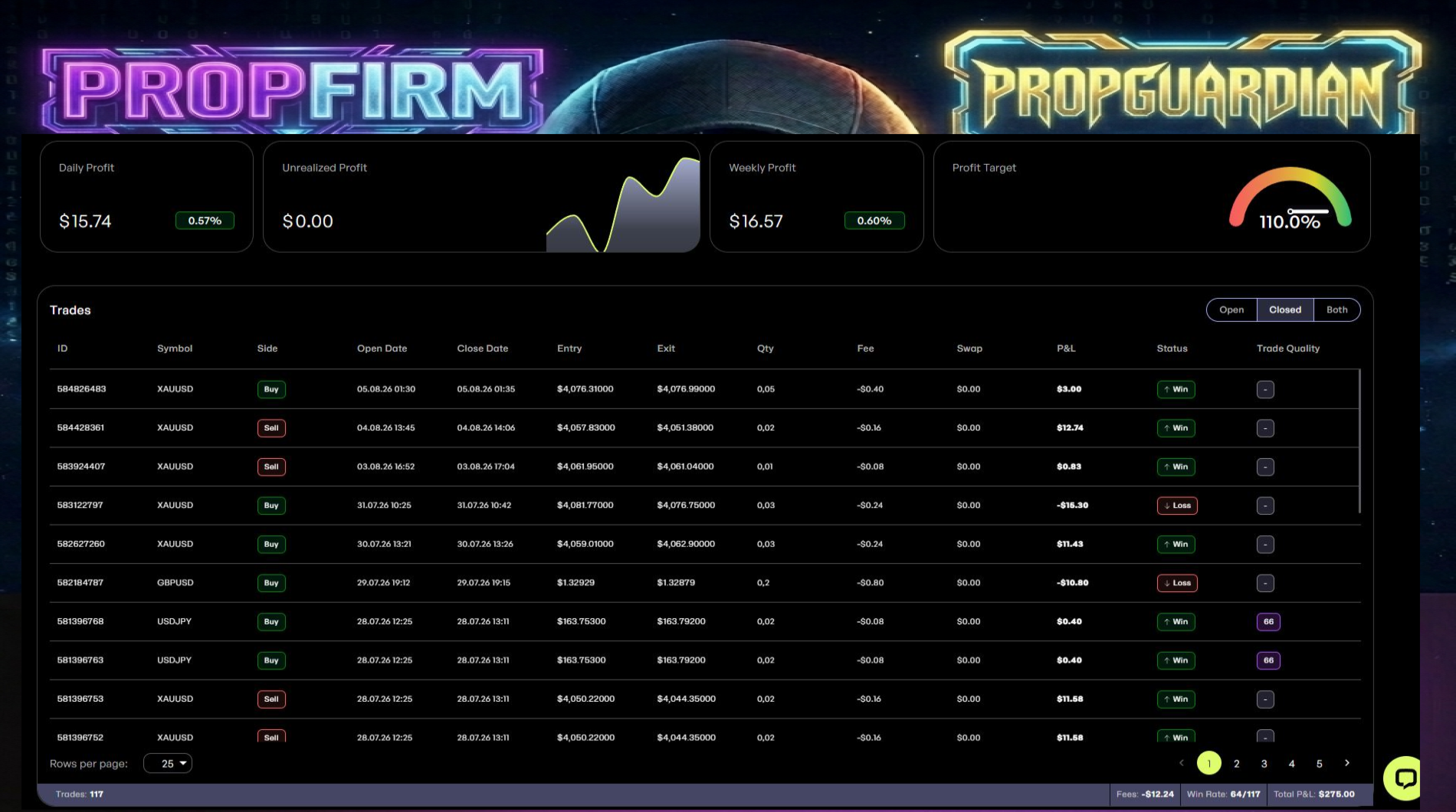
PropGuardian Pro is described as a semi-automated MT5 system for evaluation-style accounts, combining multi-timeframe entries with account-level loss controls. Its listing requires H1 charts and includes Forex pairs, Gold and equity indices. The main research question is how the protection settings interact across several charts and with the rules of a specific evaluation account.
The publisher describes a daily loss limit, a total-loss threshold and automatic trade suspension. Evaluation providers can calculate these limits using different balances, equity references and reset times. A similarly named EA input does not prove that the calculation matches a particular provider. Document whether floating losses, commissions and existing manual trades are included, and compare the configured reset against the account’s official trading day.
One H1 chart per instrument
The setup calls for an individual H1 chart for every instrument. That makes cross-chart coordination important: several valid entries can appear at once even when each chart appears modest in isolation. Confirm whether the daily order cap and loss threshold are shared across the account or applied independently to each attachment. Hedging and netting accounts are both listed, but order aggregation and position closing can differ between those modes.
A test centered on protection behavior
Use a demo to inspect the sequence when an equity threshold is reached: which trades are closed, which new orders are rejected and when the system becomes eligible to trade again. Repeat with more than one active symbol. Fixed lot sizing gives a repeatable volume, but EURUSD, XAUUSD and US30 do not share the same value per point. Translate each potential stop into account currency before judging the combined limit.
Before installation
Settings and setup requirements
These notes summarize the publisher material reviewed for PropGuardian Pro EA. Check the original manual and current release before configuring an account.
Execution chart
H1 is explicitly mandatory in the reviewed listing.
Coverage
Selected Forex pairs, XAUUSD, US30 and NAS100 are listed.
Account mode
Both hedging and netting are advertised; verify chart-level versus account-level controls.
Publisher price at review
189 USD. Confirm current purchase and rental terms on MQL5.
Source evidence
Signals, profit and drawdown
No direct public MQL5 account was identified in the reviewed product description. Ask the publisher for current monitoring; this does not establish that no account exists.
What to assess before choosing PropGuardian Pro EA
Match the reset time and drawdown reference to the evaluation provider’s actual rules.
Test multi-chart order caps before enabling several symbols.
Third-party product research, not YO4X trading results. Past results do not establish future returns.
Publisher material
PropGuardian Pro EA images
Original publisher material. Embedded figures may describe a simulation or an earlier account snapshot; this is not a YO4X result.Original source ↗
Try before choosing
PropGuardian Pro EA: tester demo and licence options
MQL5 provides tester-only demonstrations for Market EAs and indicators. Open the original listing to check its demo option. An EA demo runs its trading logic in the Strategy Tester; an indicator demo is viewed in visual testing mode. This is different from receiving a free licence to run the full product on an online chart.
For PropGuardian Pro EA, use the setup notes above to identify what the tester can demonstrate and what still requires a supported account, data source or publisher guidance. Read MQL5’s product-testing rules ↗
Explore YO4X
Free local access. Clear product terms.
YO4X offers free local access to its supported strategy catalogue through the Windows app on supported MT5 demo accounts. This research page does not confirm that PropGuardian Pro EA is included or compatible.
A free full-product licence is not confirmed here for PropGuardian Pro EA. Check the publisher’s current purchase, rental or tester options on MQL5. YO4X does not distribute the publisher’s EX5 file from this page.
Ask support about current app availability before choosing a strategy. Arbitrary EX5 uploads are not supported; cloud execution and brokerage costs are separate.
No. The product is marketed for evaluation accounts, but compliance depends on the provider’s current rules and your actual settings and execution.
Where are the set files?
The listing links a private MQL5 message destination for purchasers. Access and version details should be confirmed with the publisher; these files are not distributed by this research page.
Sources and editorial notes
Source review: 17 September 2026. This guide draws on the official product listing. A link does not mean we have reviewed the file contents. Where reviewed, the guide summarizes them with attribution.
YO4X Research is the site’s editorial attribution, not a certification or a named independent tester. We have not installed or forward-tested this product for this guide. Publisher claims, screenshots and source-account statistics do not establish that the current version reproduces those results. Artwork belongs to its original publisher.